
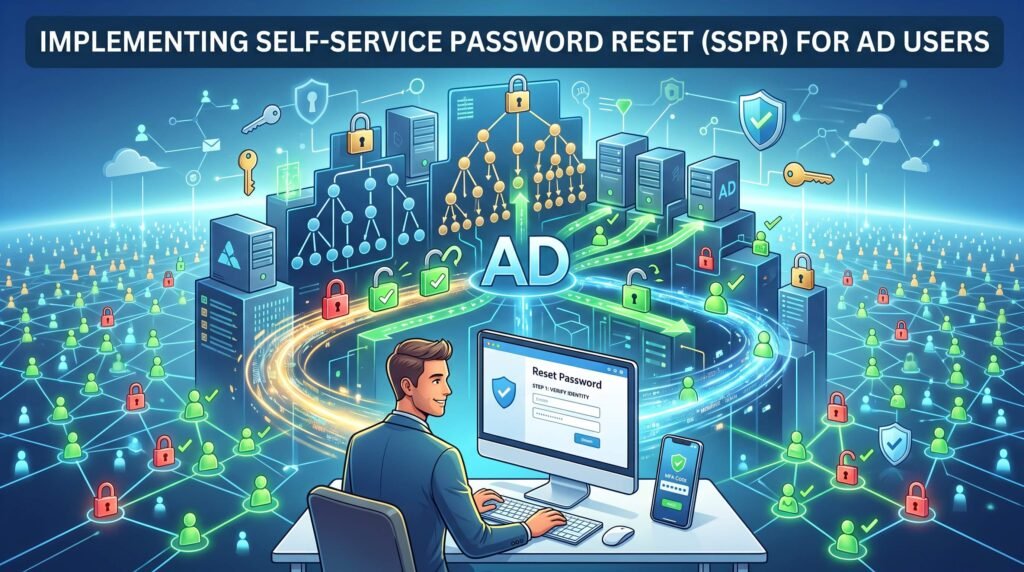
A large Saudi university with over 14,000 students and staff once tracked its single largest IT helpdesk expense: password resets. On average, over 200 reset tickets landed every single day, each taking IT staff five to ten minutes to verify identity and manually reset — consuming the equivalent of two full-time employees doing nothing but resetting passwords. Implementing self-service password reset cut that number by more than 80% within the first quarter.
Why Large Enterprises Need SSPR
At small scale, manual password resets are a minor inconvenience. At 10,000+ users, they become a structural drain on IT resources and a genuine security concern, since helpdesk-based identity verification is often the weakest link an attacker can exploit through social engineering. Self-service password reset addresses both problems simultaneously: it removes the human bottleneck and replaces informal, guessable verification with strong, multi-factor identity checks.
“Read Also: Secure Password Delivery Mechanisms for New Hires and Resets“
Designing the Enrollment Process
The success of any self-service password reset rollout depends heavily on enrollment — getting users to register their verification methods (mobile number, personal email, security questions, or an authenticator app) before they need to use the system. Enterprises rolling out SSPR at scale typically mandate enrollment during onboarding and run a grace-period campaign, often with management sponsorship, to get existing staff enrolled within 30 to 60 days.
Choosing Verification Methods That Scale
For a workforce of 10,000 or more, self-service password reset needs verification methods that are both secure and low-friction. SMS one-time codes work well as a baseline, but organizations handling more sensitive data increasingly layer in authenticator apps or push notifications for stronger assurance. Security questions alone are generally discouraged today, as they are the easiest verification method to defeat through social engineering or publicly available personal information.
Integrating SSPR With Active Directory
A properly implemented self-service password reset solution integrates directly with Active Directory, enforcing the organization’s existing password complexity policy and writing the change back to AD in real time — ensuring users can reset a password and immediately log into any AD-integrated application without a synchronization delay. For hybrid environments syncing to Azure AD / Entra ID, password writeback needs to be explicitly configured and tested, as it is a common point of failure in large deployments.
“Read More: Mover Process: Automating Permission Changes via AD Groups“
Handling Scale-Specific Challenges
Deploying self-service password reset across 10,000+ users surfaces challenges that smaller pilots never reveal: peak-load performance during Sunday morning logins after a weekend, multilingual support for Arabic and English users, accessibility for staff without registered mobile numbers, and clear escalation paths for the small percentage of cases self-service genuinely cannot resolve. Planning for these from the start avoids a rocky, support-heavy launch.
Measuring Success
Organizations should track specific metrics after launching self-service password reset: percentage of eligible users enrolled, percentage of resets completed via self-service versus helpdesk, average time-to-resolution, and any anomalies suggesting attempted abuse of the reset flow itself — a target attackers do sometimes probe once they know SSPR exists.
Conclusion
For enterprises managing 10,000 or more Active Directory users, self-service password reset is not a convenience feature — it is an operational necessity that simultaneously reduces IT cost and strengthens identity verification. Done right, it turns one of IT’s biggest recurring headaches into a largely invisible, self-sustaining process.
Planning an SSPR rollout for your organization? We help enterprises design, implement, and scale self-service password reset solutions integrated with Active Directory. Contact us to discuss your deployment.