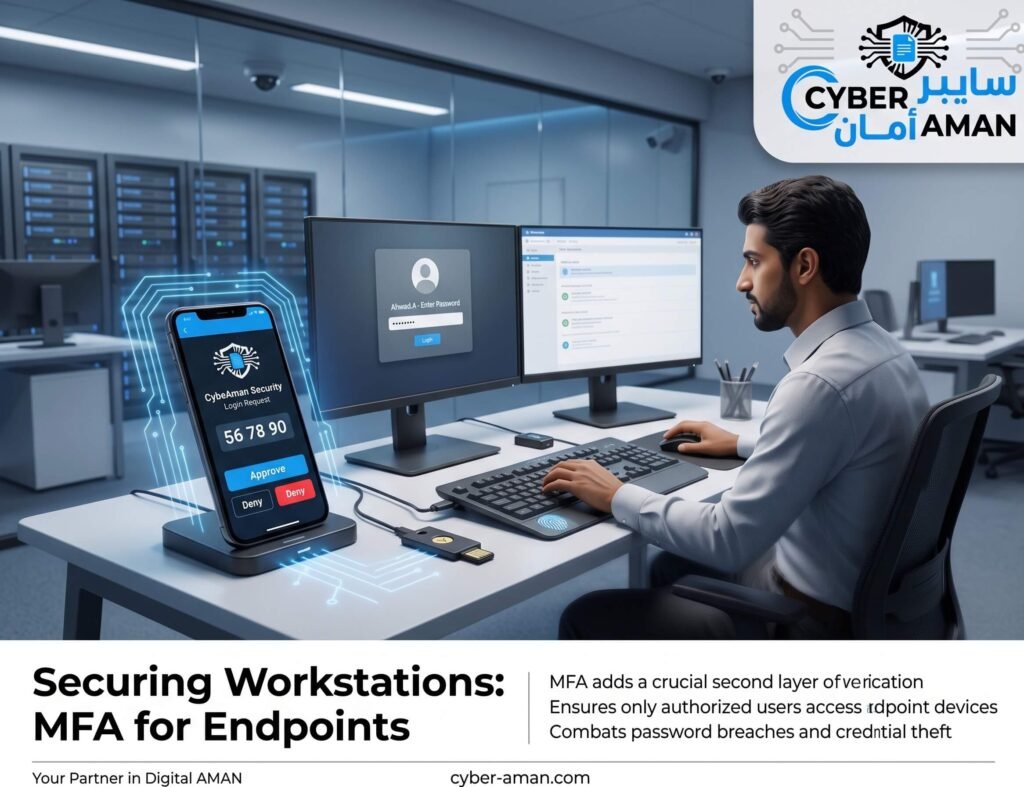
A finance employee at a Riyadh-based company left her laptop unlocked during a coffee break at a co-working space. Within minutes, a stranger had briefly accessed her open session before she returned. Fortunately, sensitive financial applications on that laptop required a second authentication factor beyond the initial Windows login — meaning the brief unauthorized access never reached anything critical. This is the exact protection MFA for endpoints is designed to provide, even when the first line of defense fails.
Why Password-Only Login Is No Longer Enough
Workstation and laptop logins protected by password alone remain vulnerable to shoulder-surfing, phishing-derived credential theft, and simple physical opportunism — someone walking past an unlocked, unattended device. MFA for endpoints adds a second, independent verification step — a mobile push approval, a hardware token, or biometric confirmation — that a stolen or guessed password alone cannot satisfy.
Physical Device Access vs. Remote Access
MFA for endpoints matters in two distinct scenarios: physical access, where someone attempts to log into a device they’re standing in front of, and remote access, where an employee connects via VPN or remote desktop from outside the office. Both scenarios benefit from a second factor, but Saudi enterprises with distributed teams — branch offices, field staff, hybrid workers — often prioritize remote access MFA first, since remote logins carry the added risk of the device being outside physical corporate security controls entirely.
Choosing the Right MFA Method for Endpoints
Several MFA for endpoints methods are commonly deployed: Windows Hello for Business, combining biometrics with a hardware-backed key, is well suited to corporate-owned laptops with modern hardware. Mobile authenticator apps with push notifications offer strong security with minimal friction for most staff. Hardware security keys provide the strongest protection for high-privilege accounts, such as domain administrators, where the extra step of carrying a physical key is a reasonable tradeoff for the sensitivity of the access involved.
Protecting Privileged Accounts First
When rolling out MFA for endpoints, Saudi enterprises typically see the fastest risk reduction by prioritizing administrator and privileged accounts first — the accounts capable of the most damage if compromised — before extending coverage to the general workforce. A domain admin logging into a management workstation without MFA represents a disproportionately large risk compared to a standard employee logging into a shared workstation.
“Read More: Granular Active Directory User Backup vs. Full DC Restores“
Balancing Security With User Experience
A common concern with MFA for endpoints is user friction, particularly for staff logging in and out of shared workstations multiple times per shift — common in retail, healthcare, and manufacturing environments. Solutions like proximity badges or fast biometric re-authentication help balance strong security with the practical realities of shift-based work, avoiding the temptation for staff to find workarounds that undermine the control entirely.
Aligning With NCA Expectations
The NCA Essential Cybersecurity Controls explicitly call for strong authentication mechanisms, and MFA for endpoints — particularly for privileged and remote access — is one of the most direct ways Saudi enterprises can demonstrate compliance with these expectations during an audit or assessment.
Conclusion
As phishing and credential theft remain among the most common attack vectors, MFA for endpoints closes a gap that password policies alone cannot address — protecting both physical and remote access to the devices where sensitive work actually happens.
Ready to strengthen endpoint security with MFA? We help Saudi enterprises design and deploy multi-factor authentication for workstations, remote access, and privileged accounts. Contact us for a security consultation.